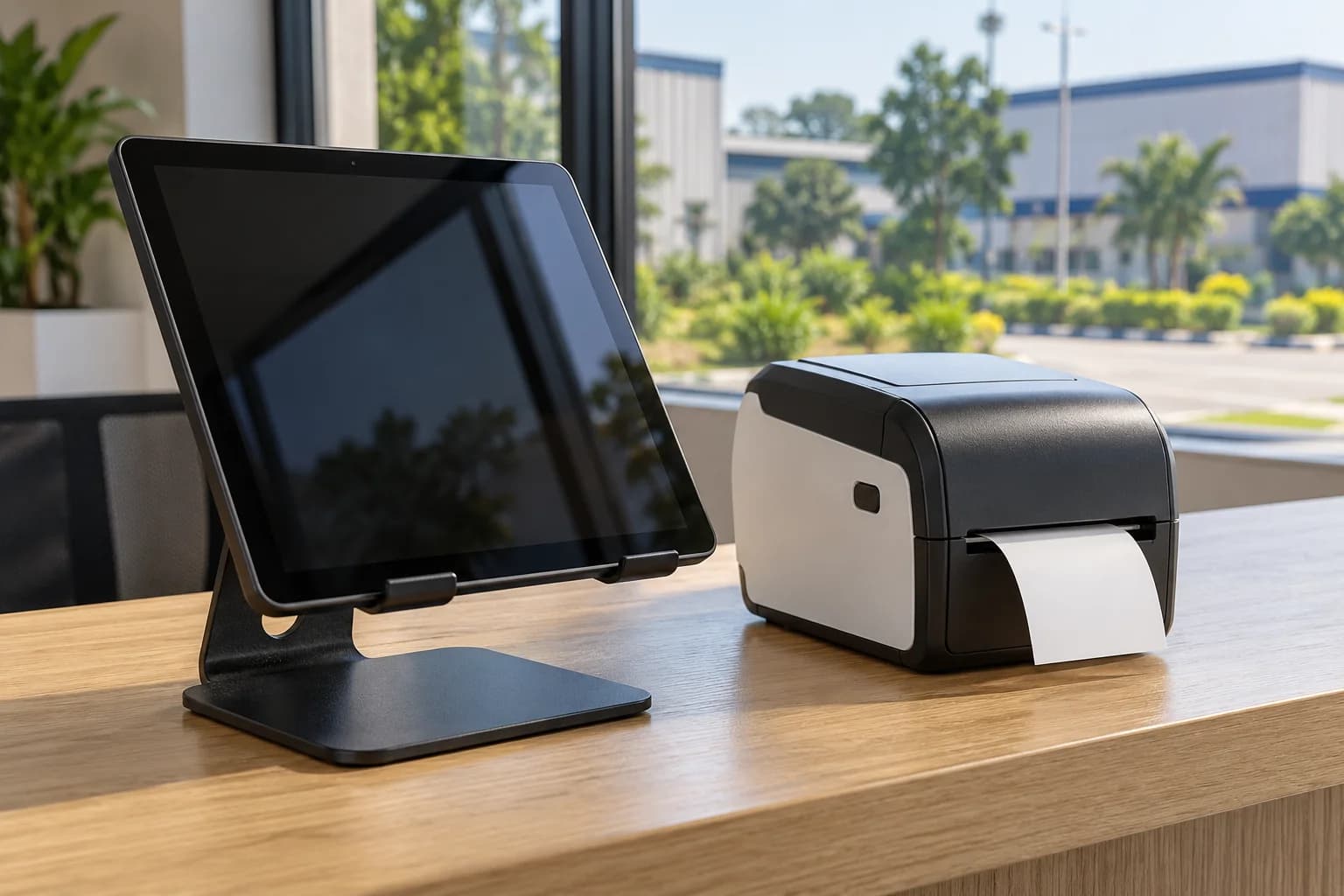
Work through these practical details for each entrance before rollout.
Connectivity at the entrance
Check the connection where the tablet and printer will actually sit. Confirm the printer’s connection method as part of your setup.
Power within reach
Plan power for the tablet, printer and network equipment, with cables kept clear of visitors. Include these devices in your site’s power-continuity plan.
A clear place to arrive
Position the tablet where guests can find and use it. Allow space to collect a badge, and keep reception assistance easy to reach.
A complete trial visit
Before opening the desk, test check-in, photo capture if used, host approval, badge printing, and sign-out with your chosen devices.
Planning your deployment
Device questions, answered.
Prepare your tablet and printer for a smooth first day.
You need an Android tablet or iPad for visitor check-in, and a Brother QL-820NWBc label printer for visitor badges.
Yes. Choose an Android tablet or an Apple iPad for the check-in point. Share your tablet model and operating system with our team to confirm its configuration for your deployment.
Use the Brother QL-820NWBc label printer. This is also the model used at the shared industrial entrance in our Ogun State case study. Prepare compatible labels and test the visitor badge layout during setup.
If you already have an Android tablet or iPad and a Brother QL-820NWBc, share the details with our team so we can confirm the setup. Include your tablet model, operating system and available printer connection.
Have your tablet, QL-820NWBc printer and compatible labels ready. Check power and connectivity at the entrance, then test a complete visit from check-in and host approval through badge printing and sign-out.
Let’s plan your front desk
Your site. Your setup.
Tell us about your entrances, your visitors and the devices you already have.